Activity Log
What this covers
The Activity Log is a time-ordered record of configuration activity in ECP. It shows all deployment, merge and deletion events — the primary place to review what changed, who initiated it, which tenant was involved, and whether a run is queued, running, succeeded or failed.
This includes deployments triggered via an API key rather than through the ECP UI — the Activity Log is the single source of truth for both manual and API-triggered deployments.
Reading log entries
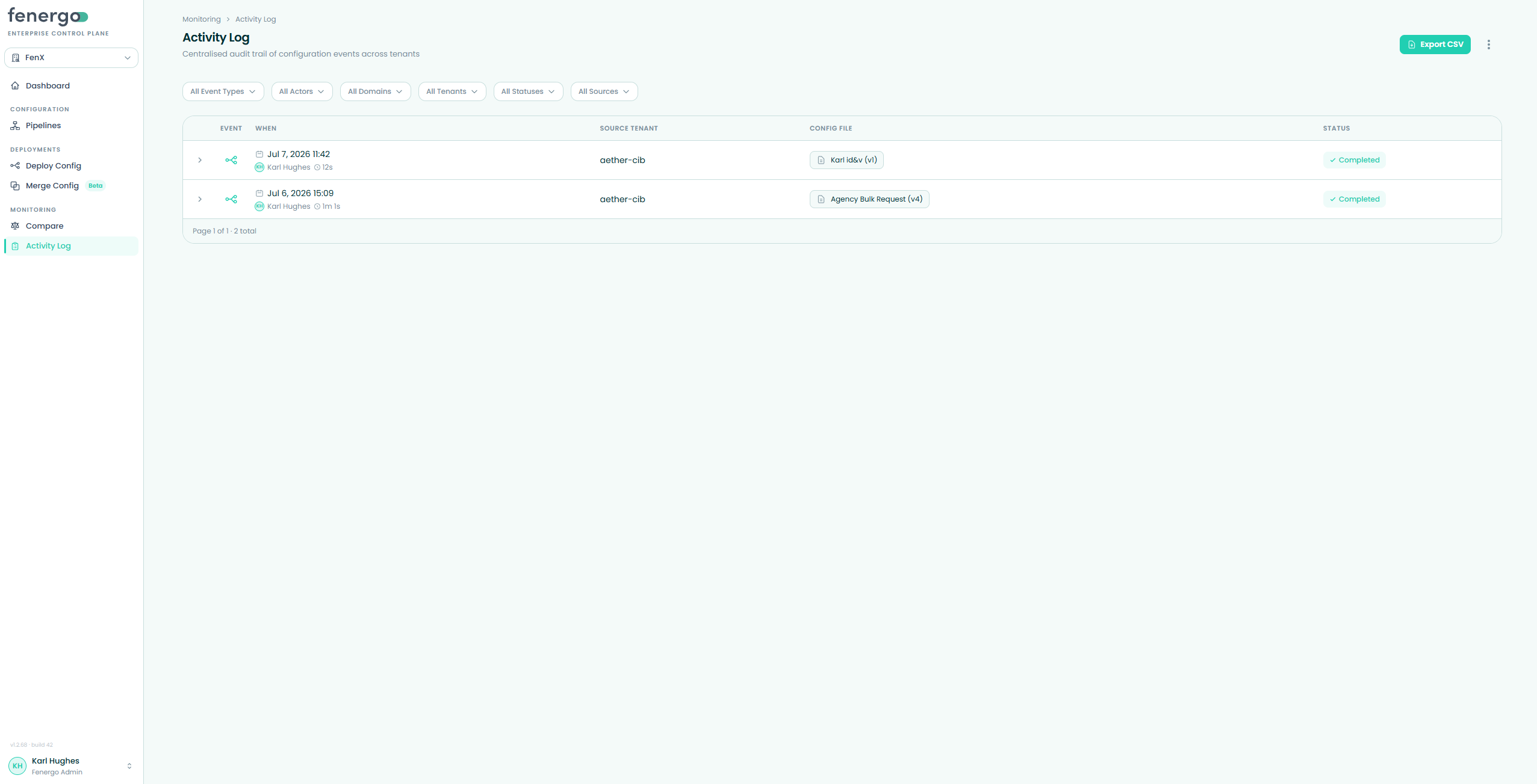
Each row shows the event-type icon, when the event happened (with the actor and duration underneath), the source tenant, config file, and status. The actor shows either the signed-in user who made the change, or the API key used if the action was triggered by automation. Select a row to expand it. Deployment and merge events show the same fan-diagram detail used elsewhere, including source config, target tenants and per-target step status. Active runs keep refreshing while queued or in progress.
Filtering
Use the toolbar filters to narrow the log by:
- Event type — deployment, deletion, or merge
- Actor
- Domain
- Tenant
- Status — succeeded, failed, queued, or running
- Source — manual (via the UI) or API-triggered — this is how you tell manual activity apart from headless, API-triggered runs
Filters stack together and reset the table to page one when changed. The table is paginated in pages of twenty.
Exporting
Click Export CSV to download the currently filtered activity. The export columns are Event Type, Actor, Config File, Tenant, Domain, Deployment Pipeline and When.