Narratives
Narratives Overview
Narratives allow our customers to maintain valuable notations on client records concerning Business or Compliance interactions. These are accessed and maintained directly via the Entity Profile Page, without a journey. Narratives utilize the Rich Text Editor to allow users to capture text, tables, images etc.
Managing Narratives
Access to Narratives can be tuned to the the users role (see Narratives section in Permissions Catalogue. When users can access a given Entity's Profile Page, 'Access' permissions are used to control the visibility of the 'Narratives' tab and independently to control access to each of the two narratives categories: Compliance Narratives and Business Narratives.
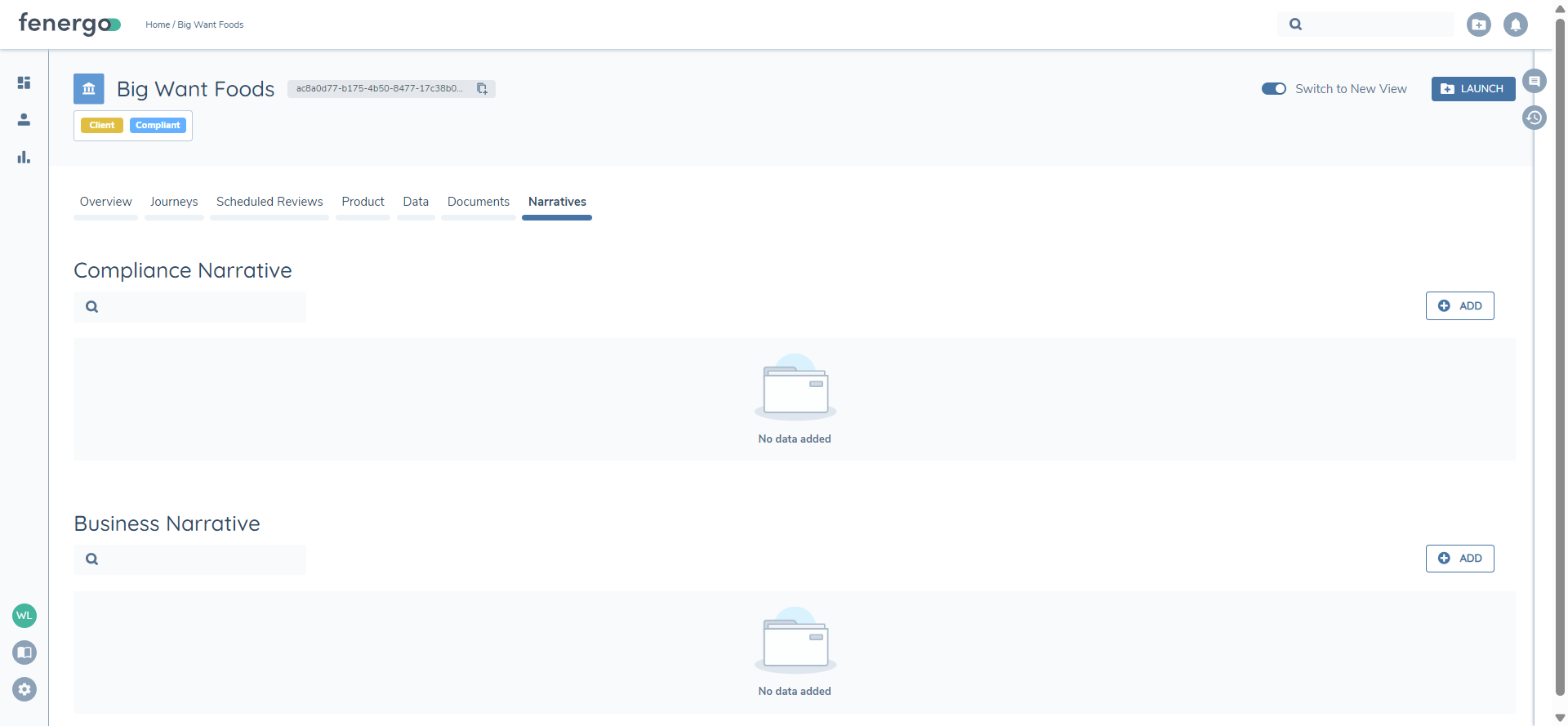
Entitled users can view existing Narratives by either mousing over the narrative or using the eye button, which will display the narrative content in a read-only state.
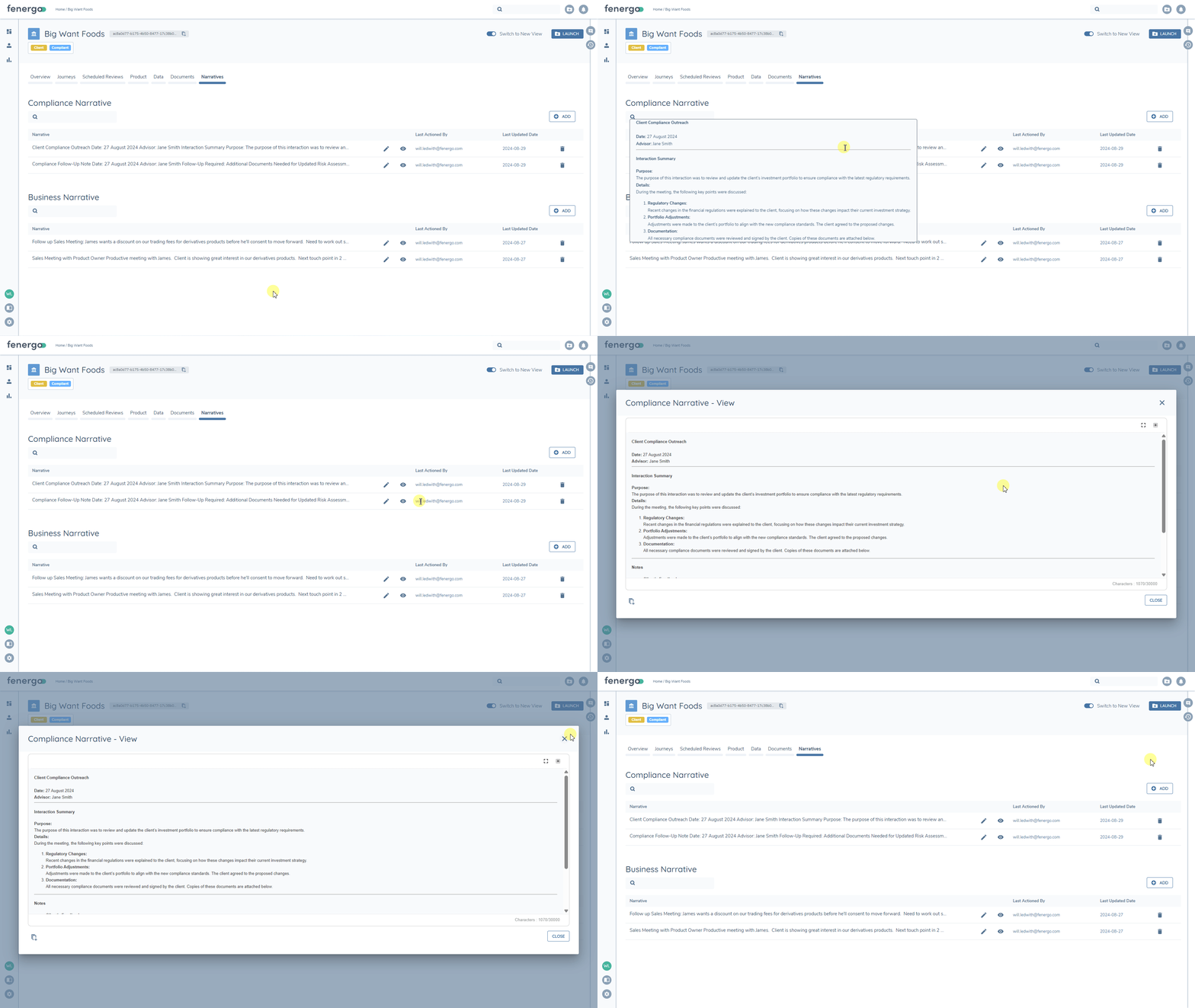
When users are entitled to 'Create' narratives, the 'Add' button will be displayed for each entitled narrative category.
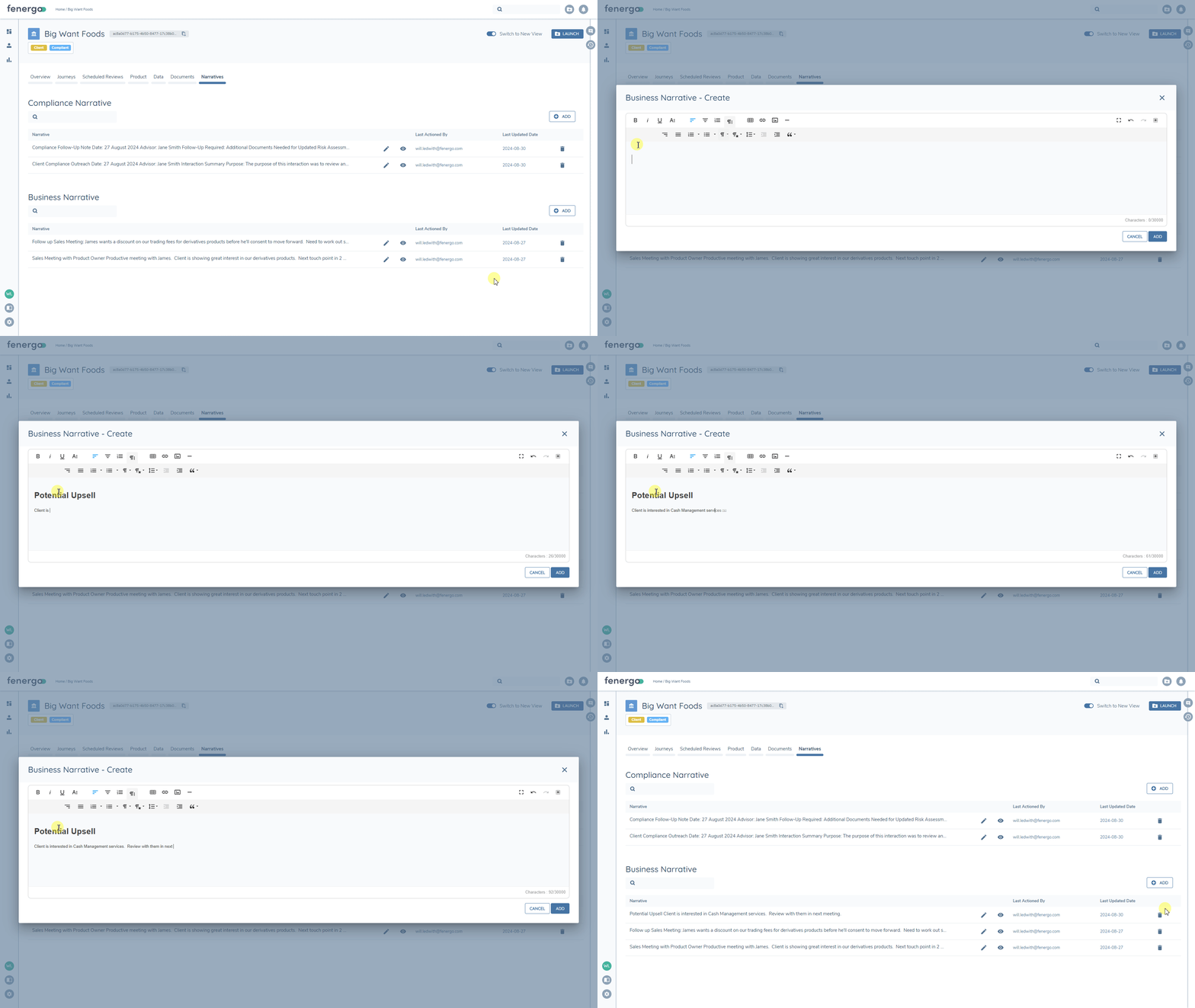
Users with 'edit' permissions will be able to edit existing narratives in each entitled category using the edit button (pencil).
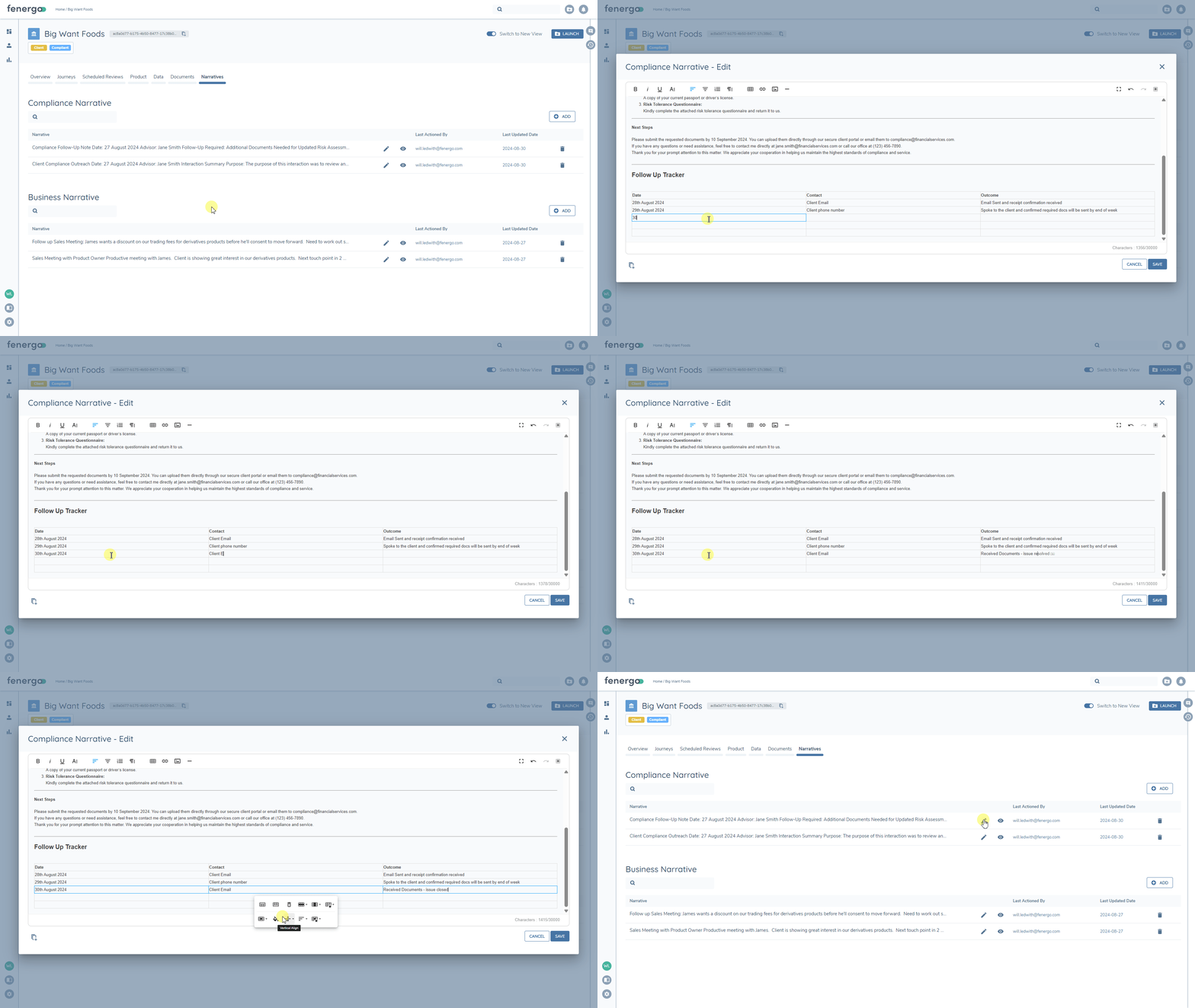
Narratives can also be deleted. Users with the required permission can simply use the bin/trash button.
Audit
Narratives are fully audited, with their own tab within the Audit drawer. Audit records capture the action (Create/Edit/Delete), Updating user, date and the full narrative at that point in time.
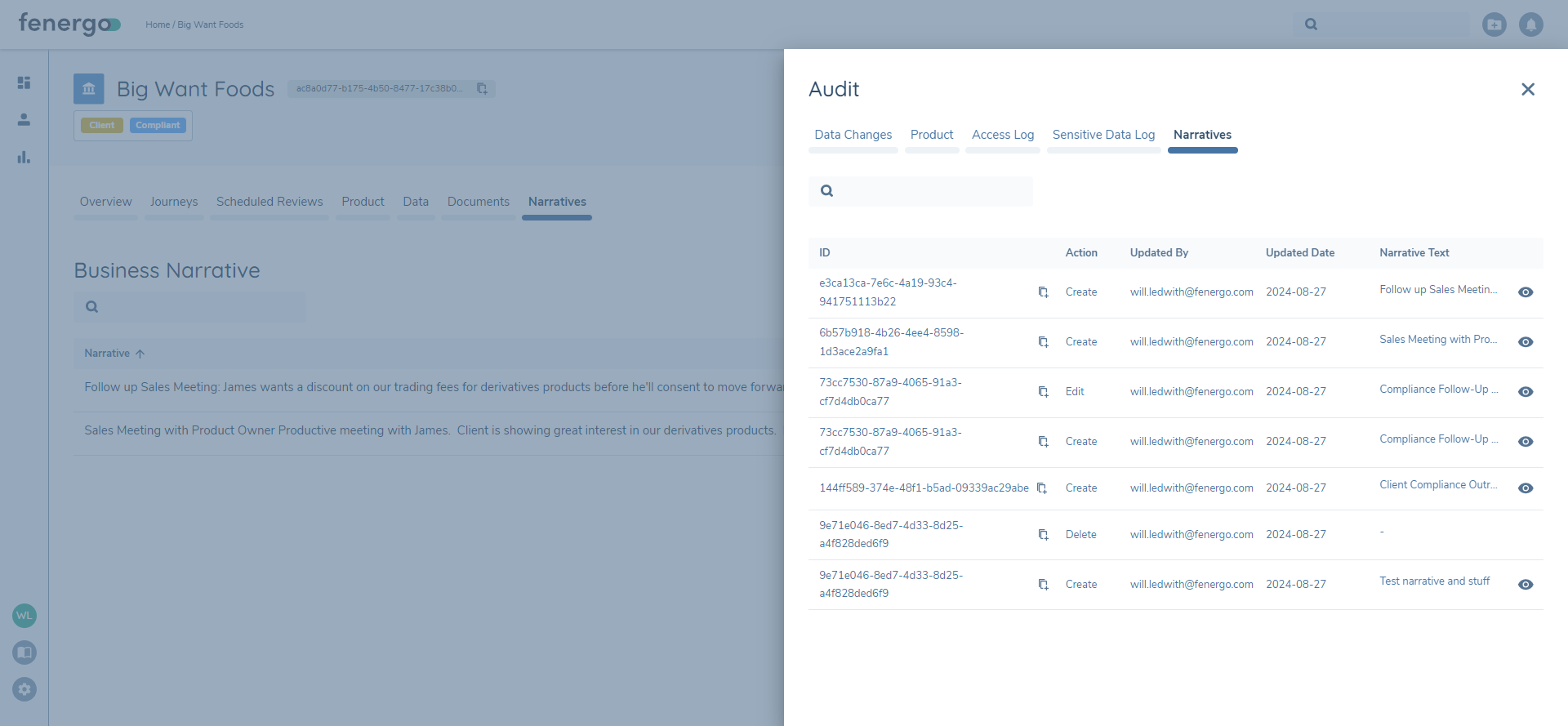
Users ability to access Narratives audit will align with their access to view/manage narratives themselves - i.e. if you can only view Business Narratives then you will not be able to see Compliance Narratives in Audit). Users can view the full Narratives text at the point in time that the audit entry was captured using the eye button.
Data Protection
Narratives are not aligned with a policy jurisdiction, so they will only be in-scope for data deletion following full entity offboarding.